Handy List of Terminal Commands
Published: 2009-11-20
This list is more for my personal reference than anything but you may find some useful information here.
Restart .profile
. ~/.profileStop default Apache on OSxsudo /usr/sbin/apachectl stop
Restart Apache
sudo /opt/local/apache2/bin/apachectl restart
Start mysql
sudo mysqld_safe5
Change database privileges
grant all privileges on "databasename".* to 'name'@'localhost' identified by 'name'
Dump database
mysqldump db_name > backup-file.sqlImport databasemysql db_name < backup-file.sql
Initialize git repository
git init
Configure git remote server
git repo-config remote.origin.url http://yourusername@www.yoursite.com/git/gittest/
Push git changes to remote
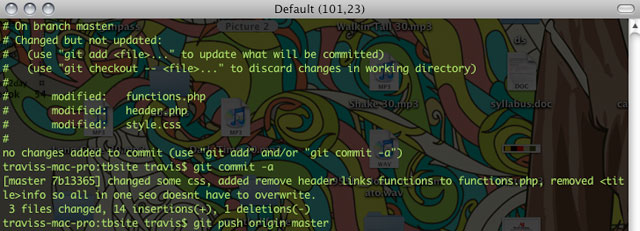
git push origin master
Clone repository
git clone http://yourusername@www.yoursite.com/git/gittest/
Pull changes to local branch
git pull http://yourusername@www.yoursite.com/git/gittest/
Connect to remote with ssh
ssh yourusername@yoursite.com
Copy file contents directly to clipboard
cat ~/filelocation | pbcopy
Sync MacPorts
sudo port selfupdate
Display installed ports
port installed
List outdated ports
port outdated
Upgrade outdated ports
port upgrade outdated
Compress video with h264
ffmpeg -i example.mov -vcodec libx264 -vpre hq -b 1300k -s 640x360 -acodec libfaac -ar 44100 -ab 128k -threads 6 -f mp4 example.mp4
Compress video to Ogg
ffmpeg2theora -V 700 -A 96 -H 44100 -K 24 -x 640 -y 360 --two-pass --optimize --speedlevel 0 --seek-index --soft-target --pp vdeblock:10/hdeblock:10 example.mov
This post will continue to grow as I update it with new handy terminal commands.
Any commands you can't live without? Let me know in the comments.